After installing the drives, connect the NAS to your router and power, then start the device.
Connect the Network Cable
- Connect one end of the Gigabit Ethernet cable to the
1GbEport or2.5GbEport on the back of the Zettlab AI NAS. - If your router supports
2.5GbE, connect to the NAS2.5GbEport first. - Connect the other end of the network cable to the router
LANport.
Connect Power
- Connect the included power cord to the power adapter:
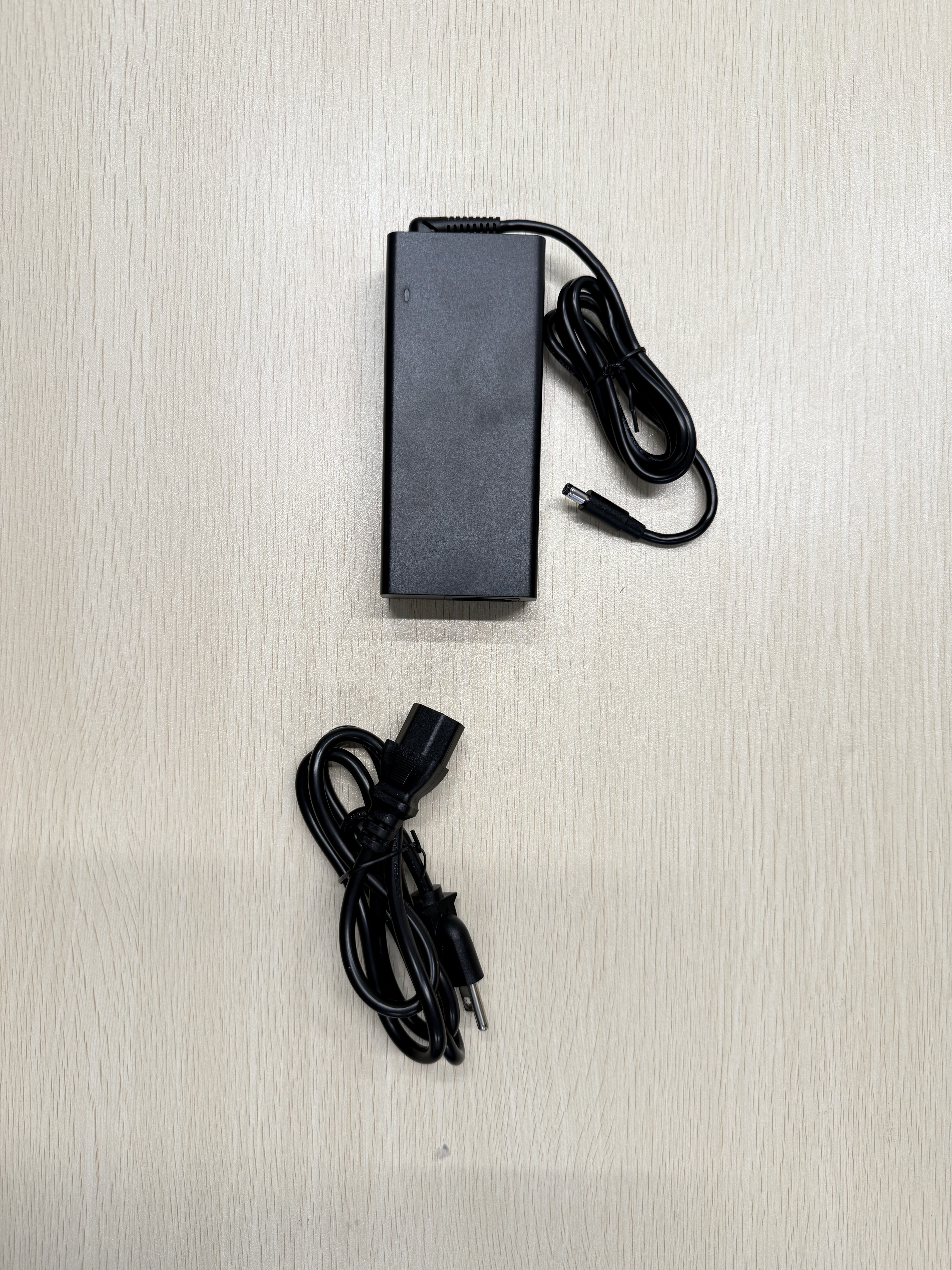
- Plug the power cord into a power outlet:
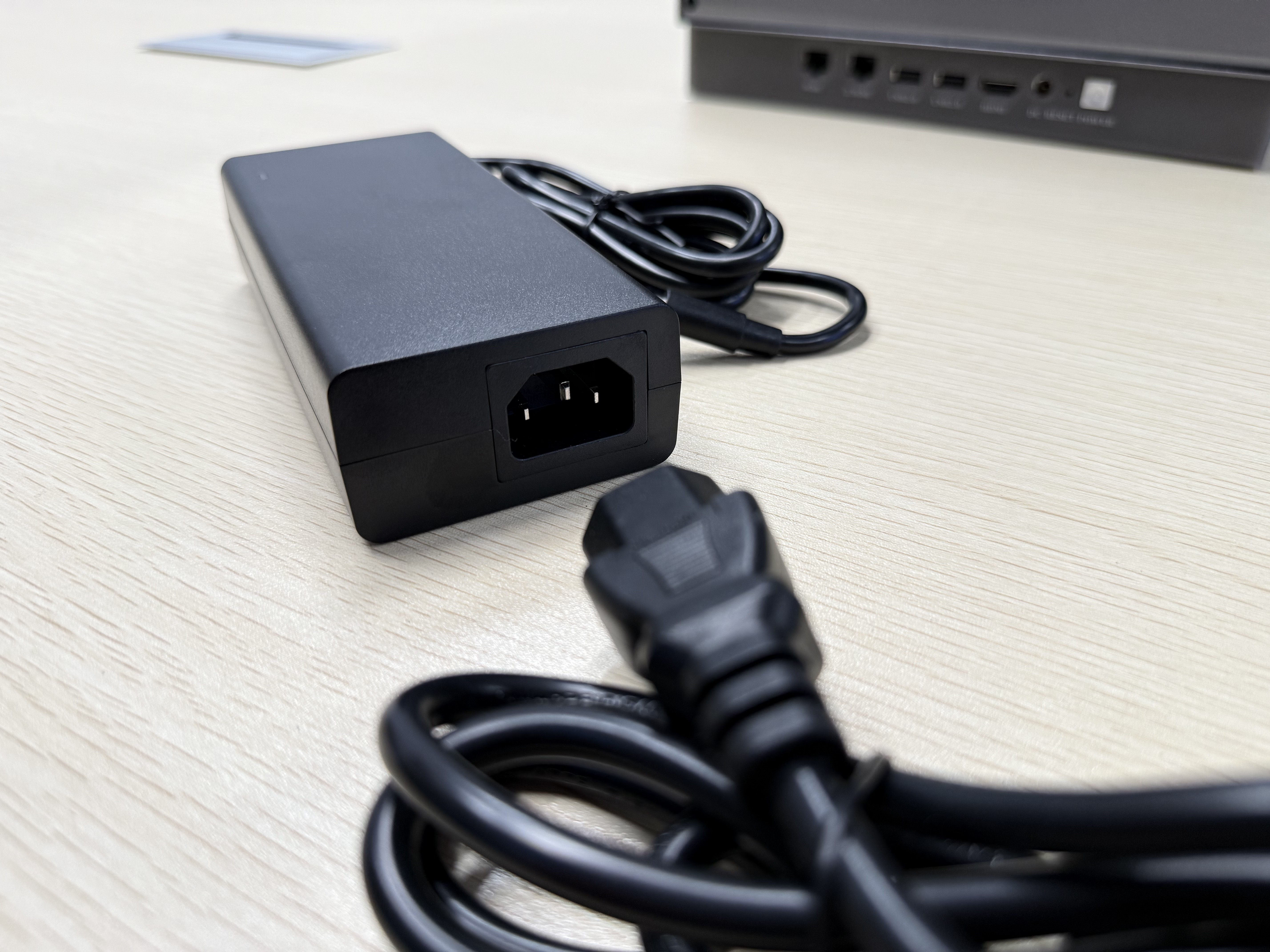
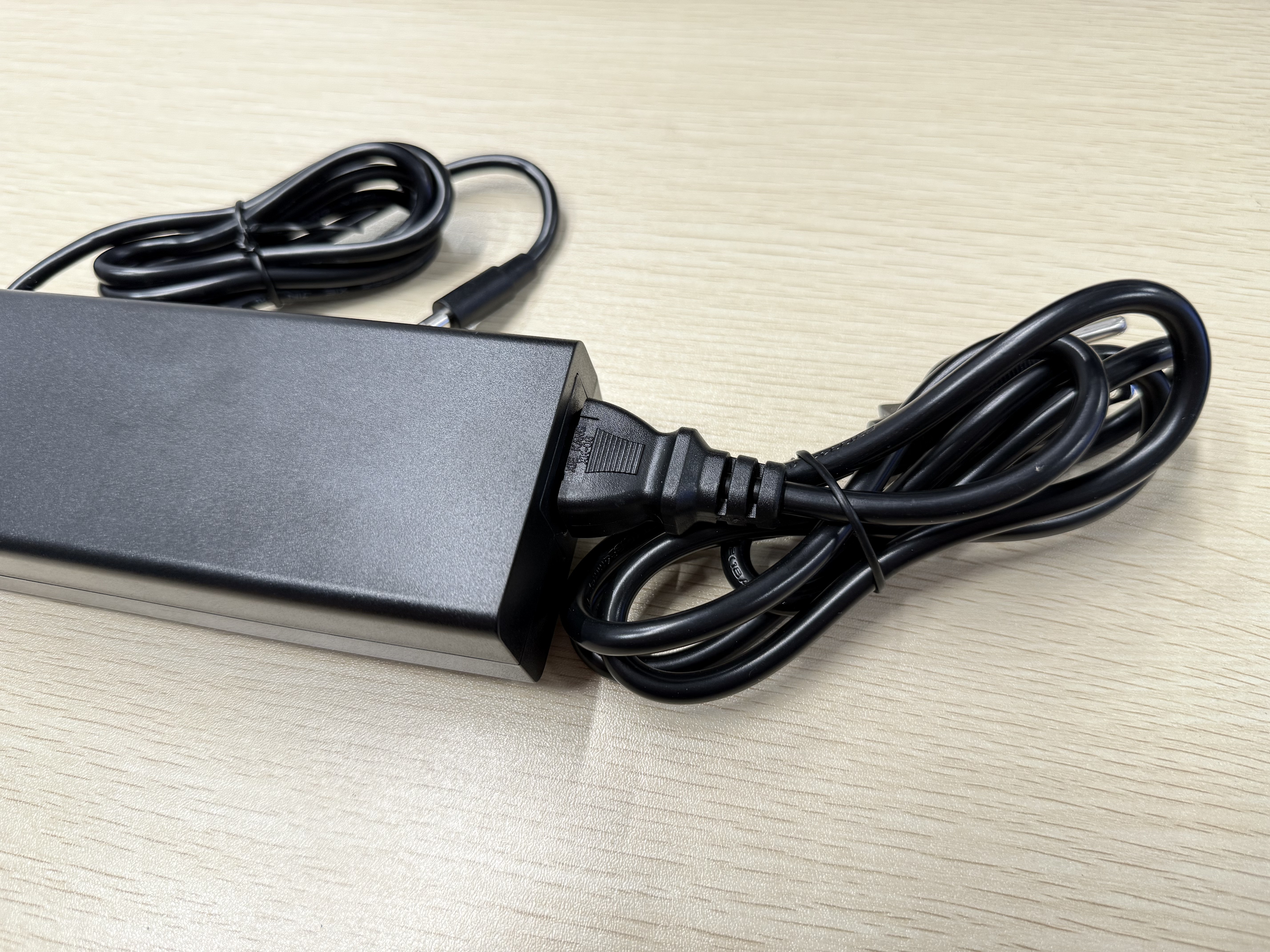
- Arrange the power adapter and cables:
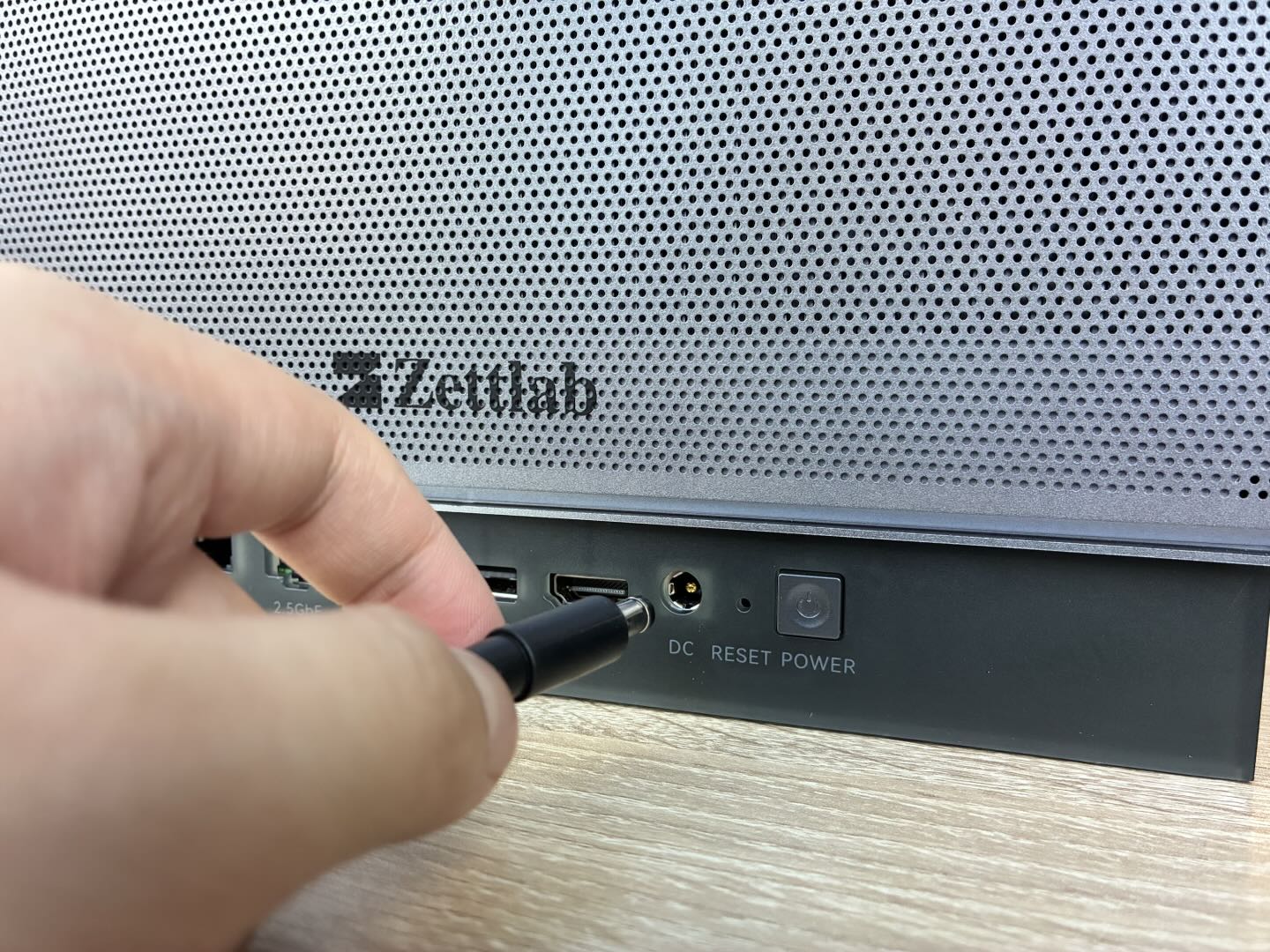
- Connect the power adapter to the power port on the back of the Zettlab AI NAS:
Power On
- Press the
Powerbutton on the back of the device. - Wait for the system to start.
- After the device starts, view the device IP address on the front LCD screen.
After the connection is complete, continue with first startup and login. See First Startup and Login.
