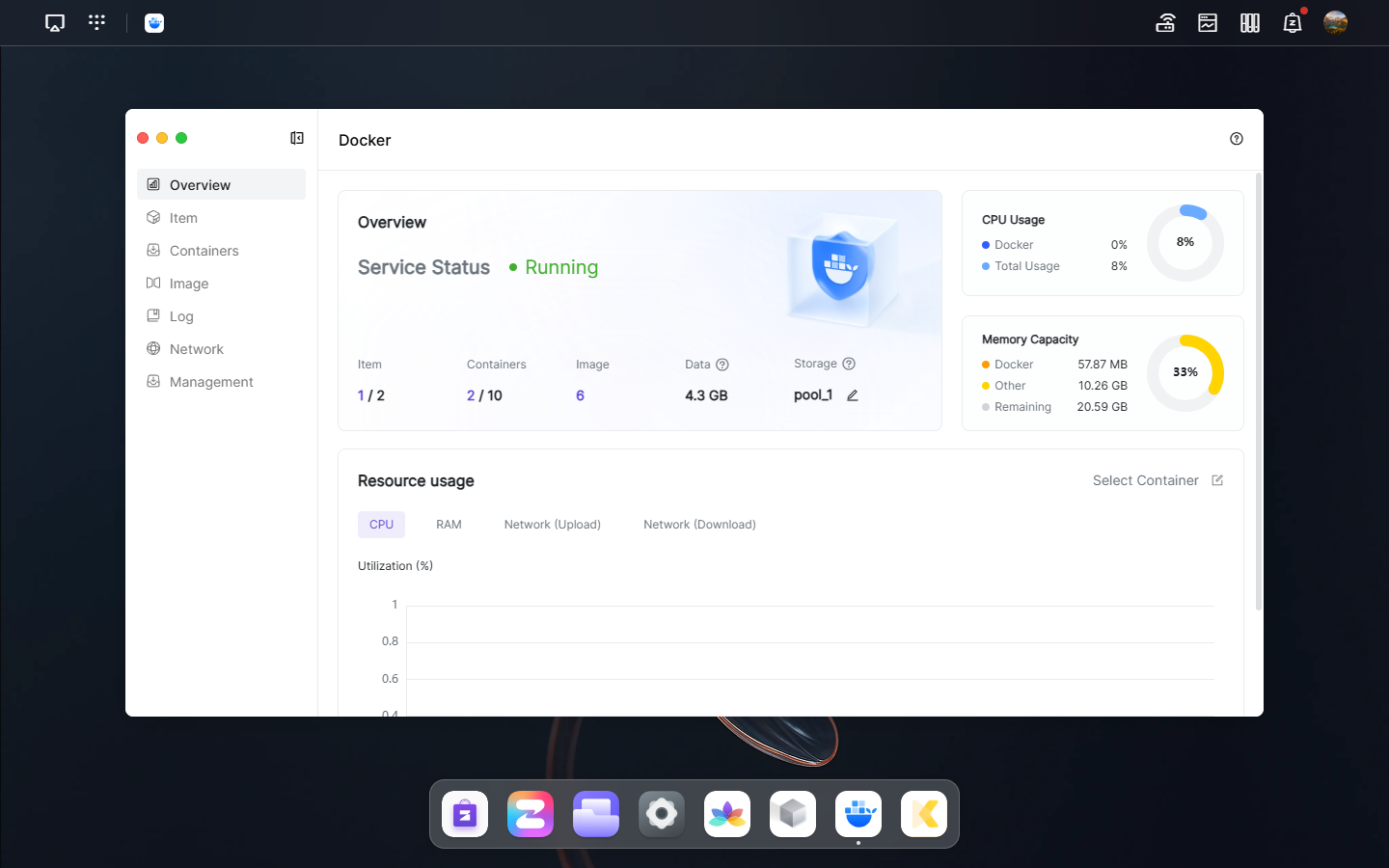
The default landing page. Shows Docker service status, project/container/image counts, CPU and memory usage, and lets you pick any container to view real-time resource trends.
Resource usage
In the "Resource usage" panel at the bottom, select a container and switch between CPU / Memory / Network (Upload) / Network (Download) to see its real-time trend chart.
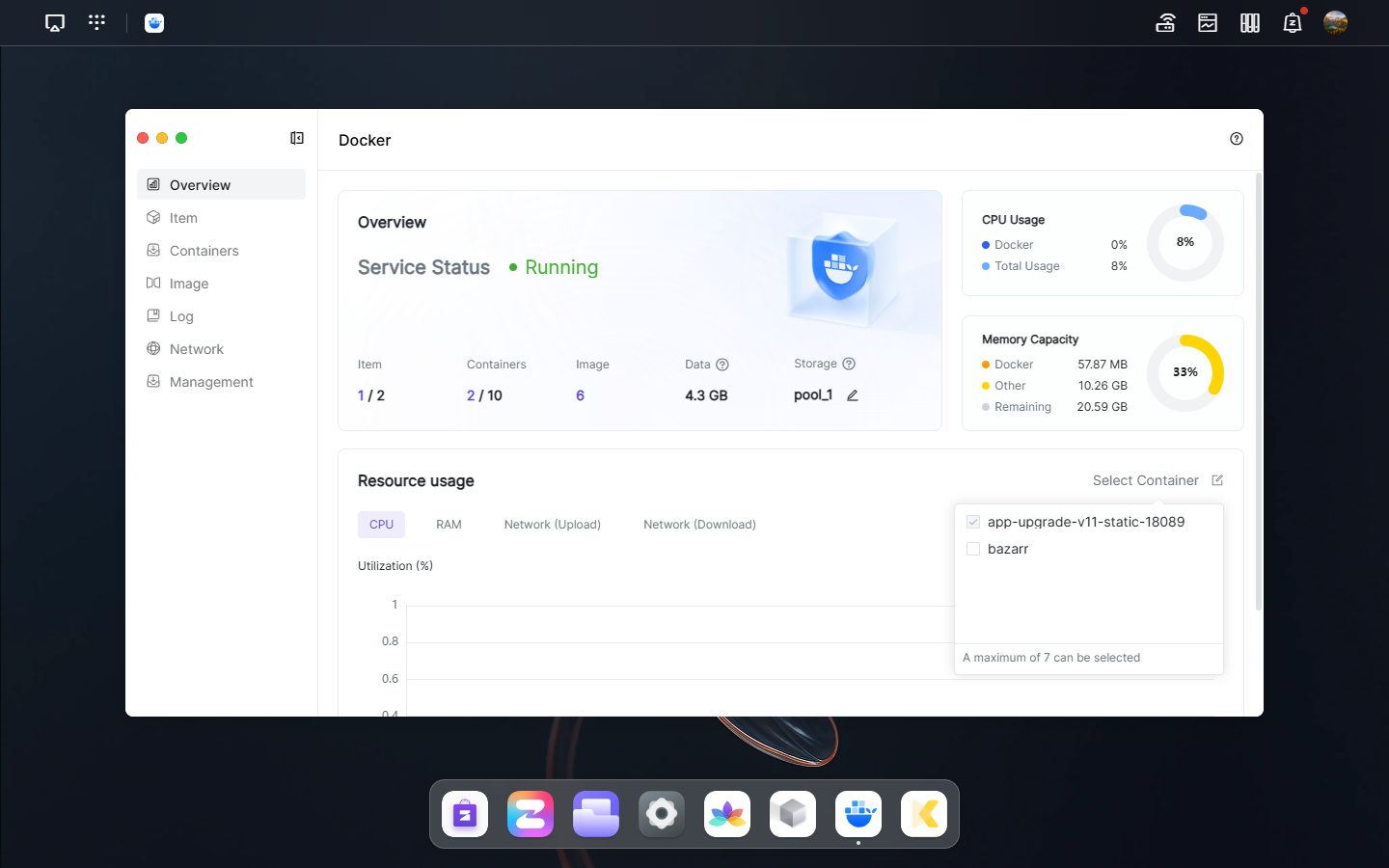
> ⚠️ Data migration > The migration entry next to the "Storage" field can move Docker data to a different storage pool. Migration cannot be interrupted and may cause some images to fail (unable to create containers or running abnormally), but files mapped to the NAS are not affected.
FAQ
| Question | Handling or suggestion |
|---|---|
| I can't find the Docker app — where is it | The Docker app is visible only to administrator accounts. Sign in with an account that has admin privileges and look in the dock bar, or open the launcher (9-grid icon at the top left). |
| Can I migrate Docker data to a different storage pool | Yes. The Overview page provides a migration entry next to the "Storage" field. Running containers are paused during migration and resumed automatically when it finishes. Some images may fail after migration, but files already mapped to the NAS are unaffected. |
