Applicable scenarios
When using ZettAI for the first time, or when you need to temporarily disable all capabilities that rely on native AI services, turn the AI service on or off here.
Preparation before starting
- Log in with an administrator account and confirm that the NAS has created a storage pool; if it has not been created yet, please go to "Quick Start > Initial Settings" to complete the storage pool preparation.
- If AI learning or model upgrade is being performed, it is recommended to wait until the task is completed before turning off the AI.
Turn on AI
- Enter "Settings - AI Settings - AI Service".
- Switch the "ZettAI" switch to on and wait for the system to save the settings.
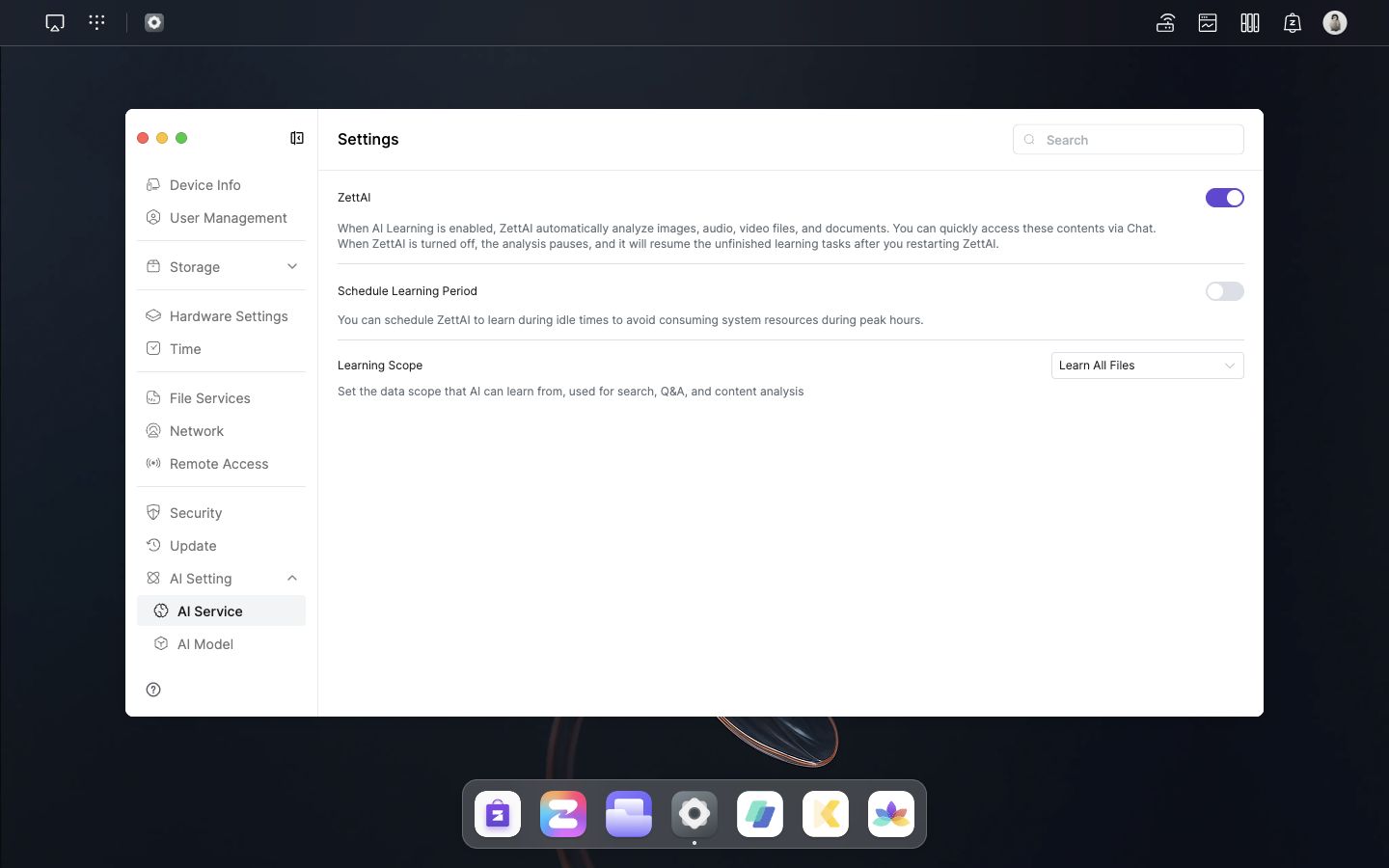
Confirmation after opening:
- Files within the learning scope have been entered into the learning queue and can be viewed in "Tasks - AI Learning Tasks".
- The ZettAI app can work normally with search, trivia, chat, and shortcut commands.
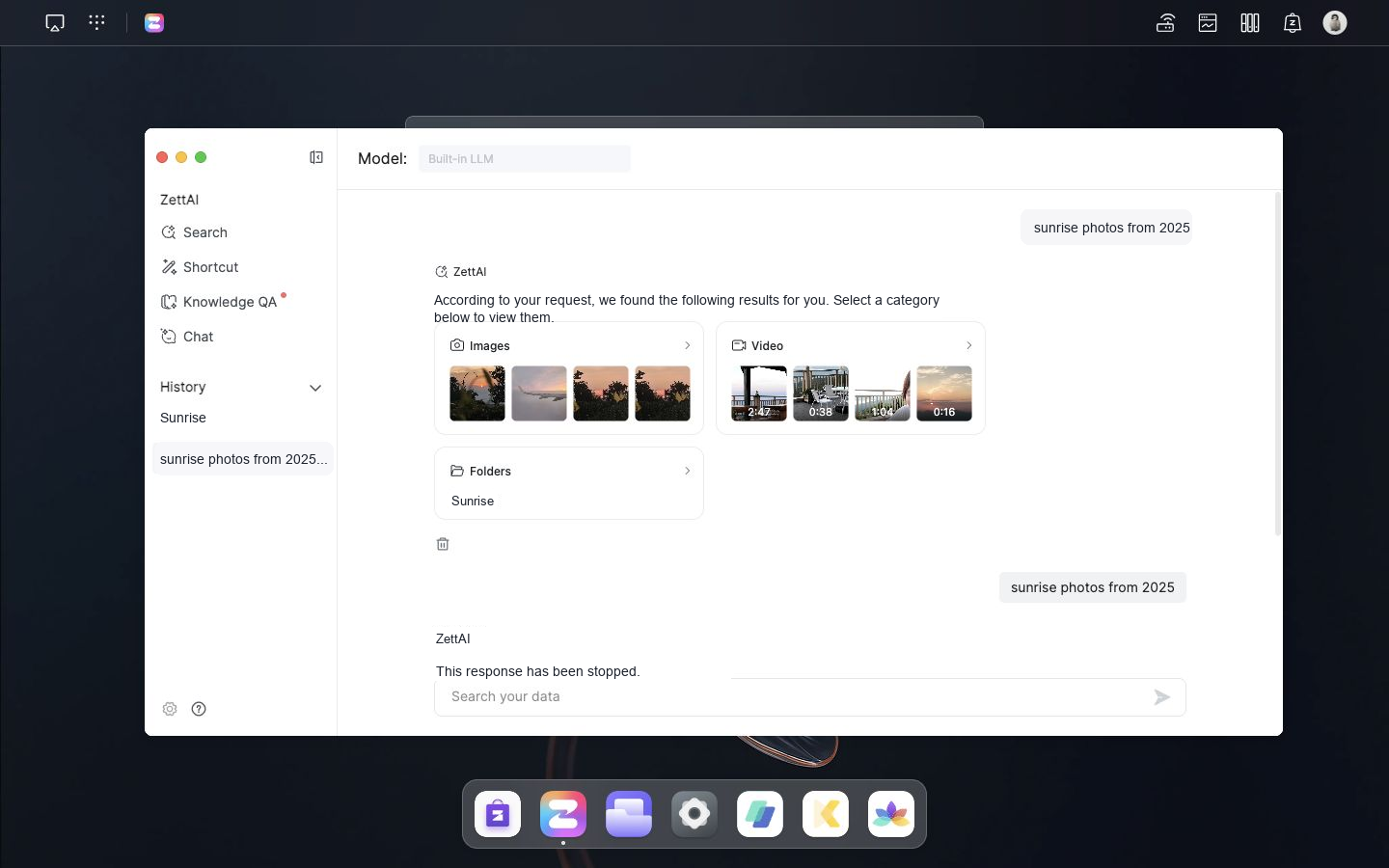
Turn off AI
- Enter "Settings - AI Settings - AI Service".
- Switch the "ZettAI" switch to off, read the prompts and click "Close".
- Return to "ZettAI" and the confirmation page prompts that AI has been turned off.
Impact of turning off AI:
- Not available immediately: AI search, trivia, chat, shortcuts, and content analysis that relies on AI learning results.
- Existing learning results: The system copy explains that analysis will be suspended after closing, and unfinished learning tasks will continue after restarting; whether all completed results are retained shall be subject to the actual behavior of the current version.
- After reopening: Unfinished learning tasks will continue, and users do not need to manually re-add the original learning scope.
- Learning tasks in progress: will be paused when closed, and will continue to process unfinished tasks after reopening.
FAQ
| Phenomenon | Possible causes Solutions |
|---|---|
| It still shows that AI is turned off after turning it on | It takes time to start the service, or the AI service is abnormal Wait for 1-2 minutes and then refresh; if it still fails, contact technical support. |
| Ordinary users cannot turn on AI | Ordinary users do not have AI setting permissions Contact the administrator. |
| Prompt that no storage pool is available | The AI service depends on the NAS storage pool Complete the storage pool preparation in "Quick Start > Initial Settings" before returning to enable AI. |
| Search and Q&A are unavailable after closing | ZettAI has been closed Restart ZettAI by administrator. |
| The page prompts that the AI database, model, or system resources are abnormal | AI-related services are in an abnormal state, which may affect switching, learning, or search Follow the page prompts to repair or restart the NAS; if it is still not restored, contact technical support. |
