Global Docker switches. Currently there is only one option, "Real-time detection" — when enabled, the system periodically checks whether projects/containers have new image versions and shows update hints in the list.
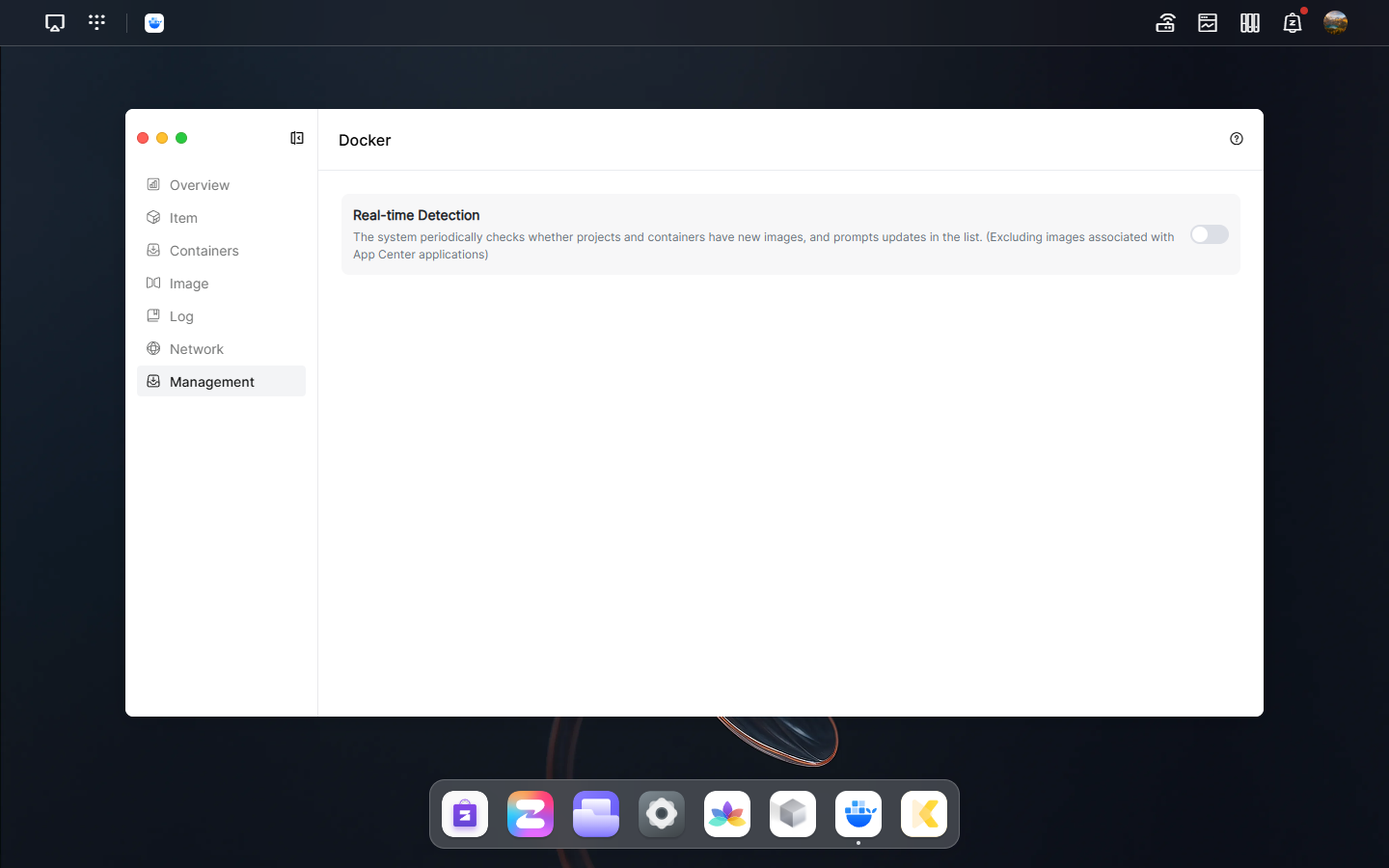
> ℹ️ Detection scope > Only projects/containers manually created inside Docker are checked. Images linked to App Center applications are not included** — those are managed by the App Center itself.
FAQ
| Question | Handling or suggestion |
|---|---|
| Can I edit App Center apps directly inside Docker | Not recommended. These containers/projects are flagged as "app containers" / "app projects" in Docker; editing or deleting them directly can break the application. Use the App Center to manage them. |
| What common third-party services can I run | Docker can run common self-hosted services such as Jellyfin, Emby, Immich, and Memos. Stability depends on the image source, device performance, storage capacity, network configuration, and container parameters. Before installing, read the image documentation and map media libraries, configuration files, and databases to reliable NAS storage paths. |
| Can Docker replace App Center | Docker is for administrators who understand containers and want to run third-party services. App Center is for officially integrated installation and updates. Apps installed from App Center should still be managed in App Center; do not treat their containers as ordinary Docker containers. |
