Open, update, or uninstall installed apps, and understand how updates and uninstall operations affect running services.
Before You Start
- App Center can load normally.
- Before updating or uninstalling, confirm that the app is not running critical tasks.
Steps
- Go to the Installed category in App Center to view installed apps and their [Open], [Update], or abnormal status:
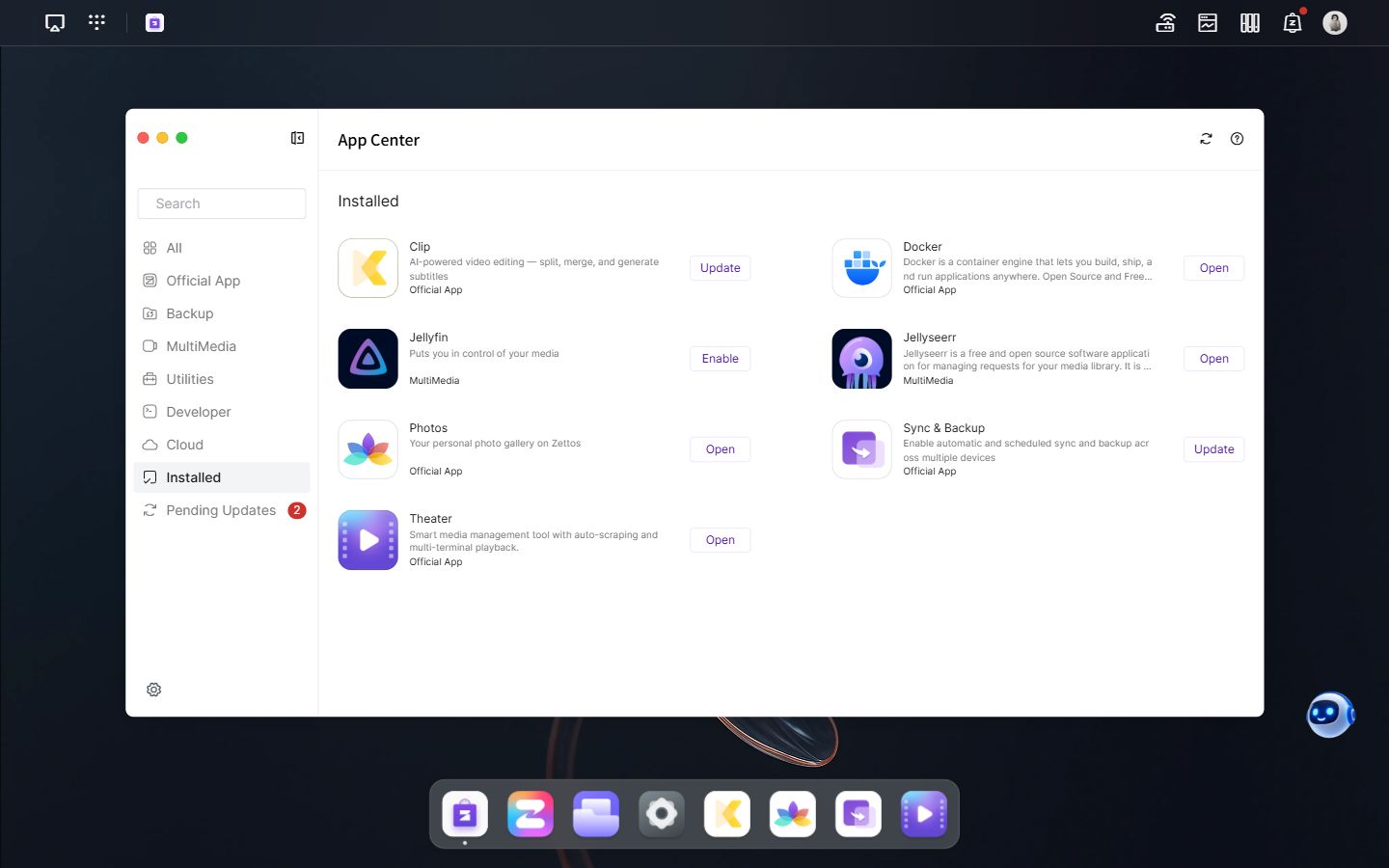
- To open an app, click [Open].
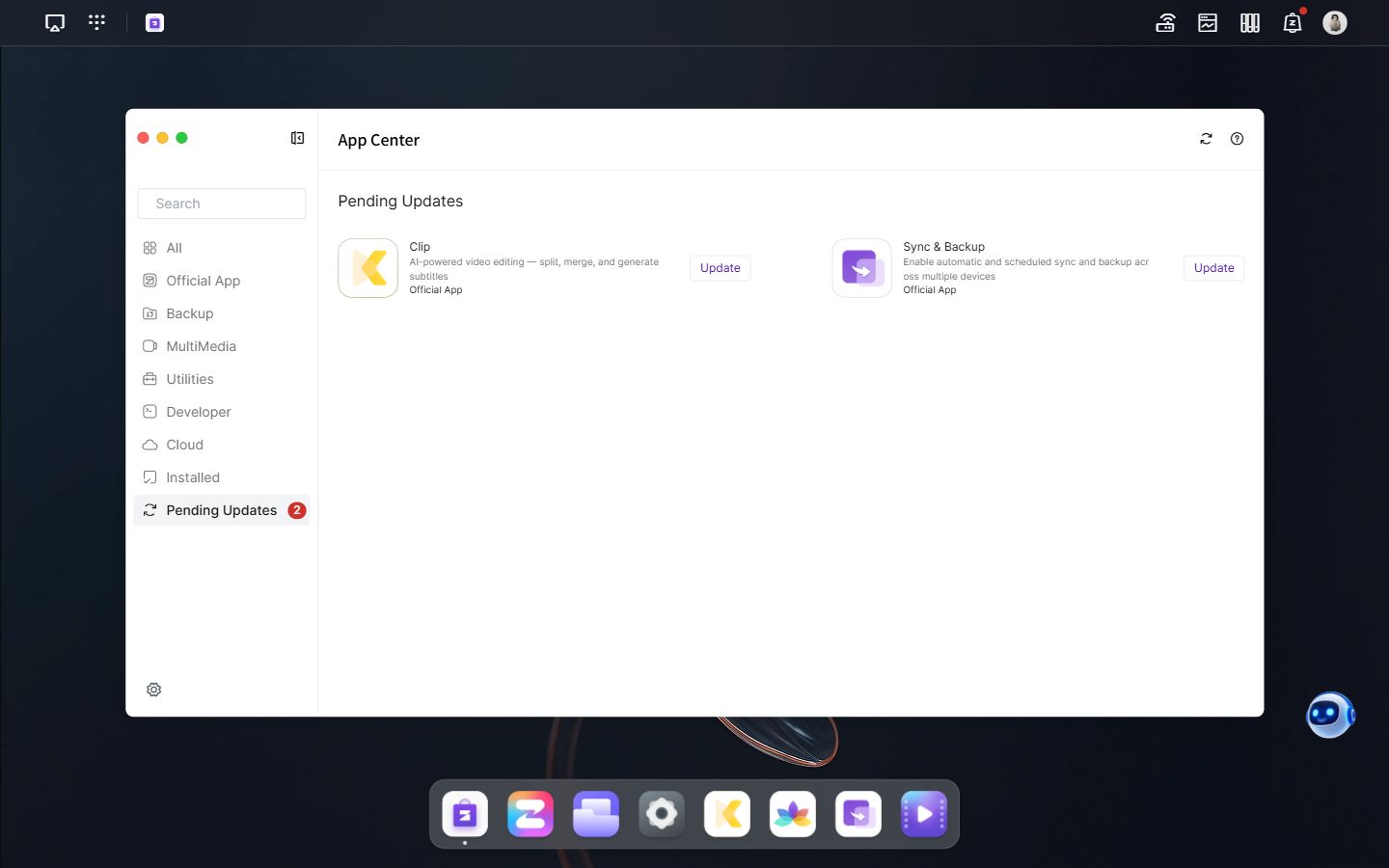
- To update an app, click [Update] and read the confirmation dialog. The dialog indicates that the app will temporarily stop during the update and may affect users who are using the service:
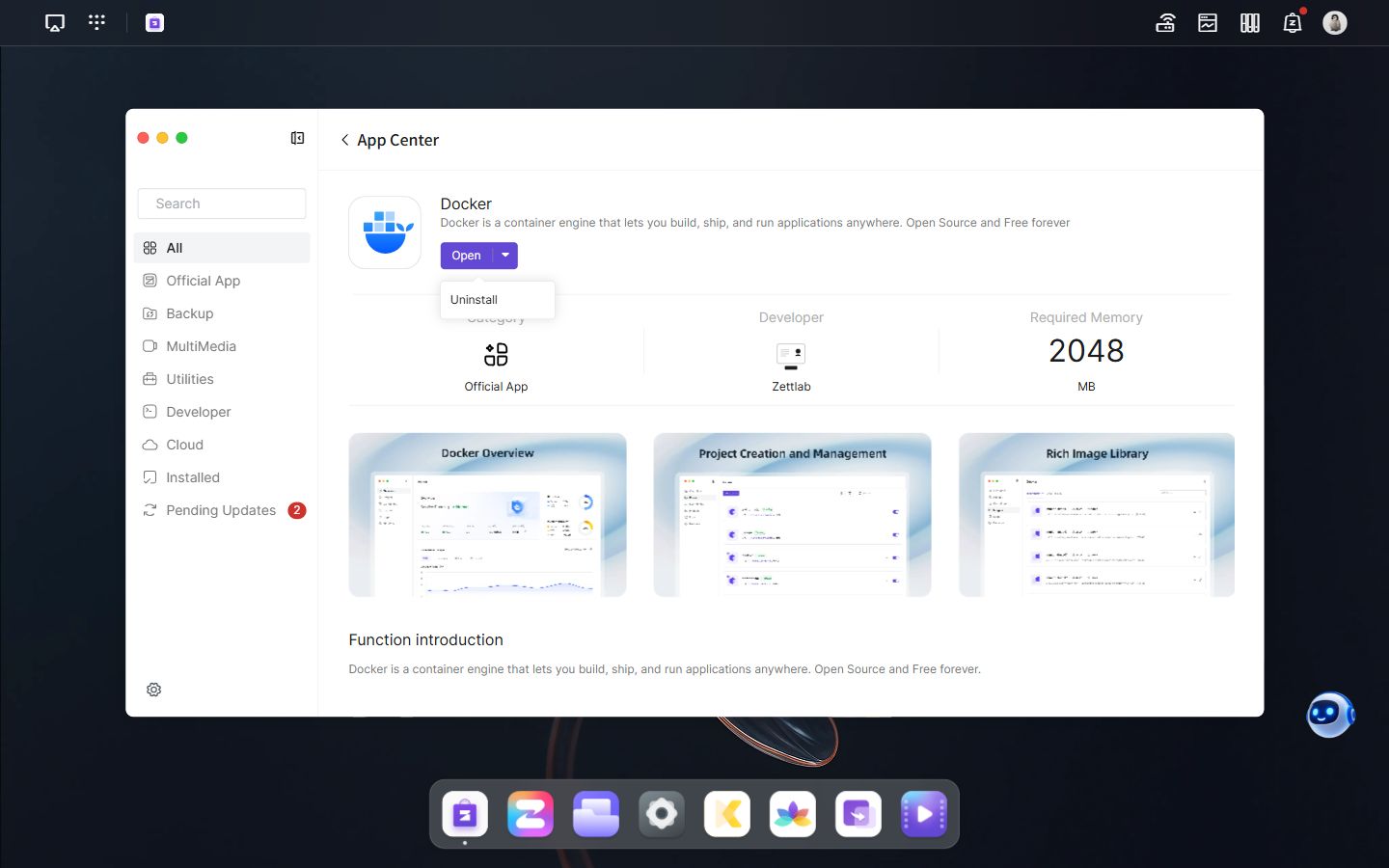
- To uninstall an app, click [Uninstall] and read the confirmation prompt. A running app will be closed before uninstalling:
Success Criteria
- The app can open normally.
- After updating, the app returns to an openable state.
- After uninstalling, the app is removed from the installed list.
FAQ
| Question | Handling or suggestion |
|---|---|
| Will updating affect usage? | Yes. The page indicates that the app will temporarily stop during the update and may affect users who are using the service. |
| Will uninstalling affect running apps? | Yes. The confirmation prompt explains that a running app will be closed before uninstalling. Back up important data first. |
| Can I delete App Center containers in Docker? | This is not recommended. Directly changing containers created by App Center in Docker may cause app abnormalities. |
| Where is app data stored? | Apps installed through App Center usually store runtime data in AppFolder or app-related folders in File Manager. Standard users usually do not need to edit these files manually. |
| Can I delete files in AppFolder? | Do not delete or move app data casually. Removing app data may delete app settings, databases, or media indexes. Back up the folder first or check the app description in App Center. |
| How are App Center and Docker related? | Some third-party apps run as Docker containers or projects. Manage those apps from App Center, and do not delete or edit their app containers directly in Docker. |
| Will updating an app affect usage? | Yes. During an update, the app may temporarily stop running and users of that service may be affected. |
| What is the relationship between App Center and Docker? | Some third-party apps rely on Docker. Manage those apps through App Center, and do not directly delete or modify App Center-created containers in Docker. |
