Use a local ZPK package to install an app or overwrite an existing installation of the same app.
Before You Start
- Sign in with an administrator account.
- Prepare a
.zpkpackage that follows the development specification. - Make sure the NAS has an available storage pool.
- Before overwriting an app, confirm version compatibility and back up important app data.
Steps
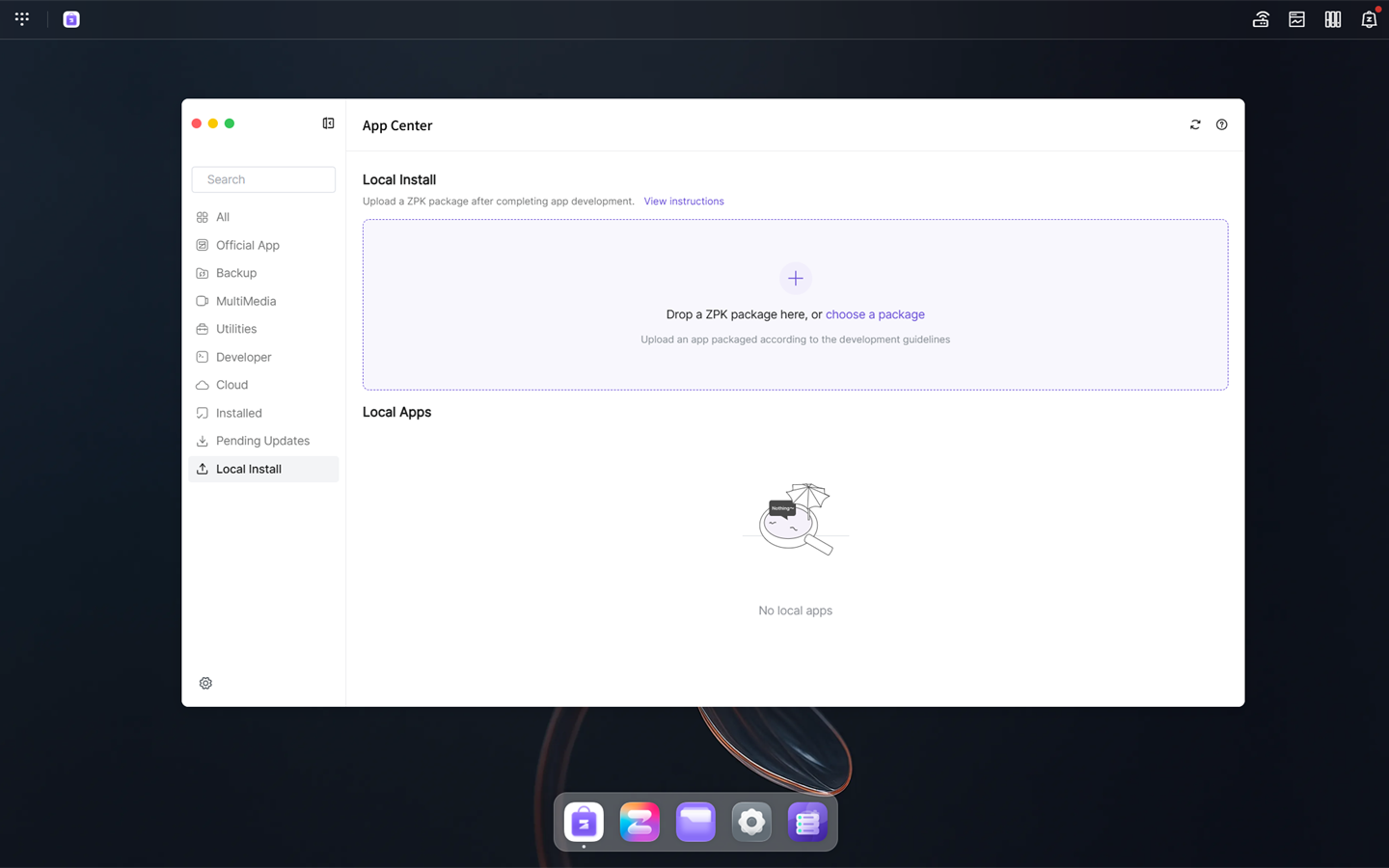
- Open App Center and go to [Local Install].
- Drag the package onto the page, or click [Select Installation Package].
- Choose the package source.
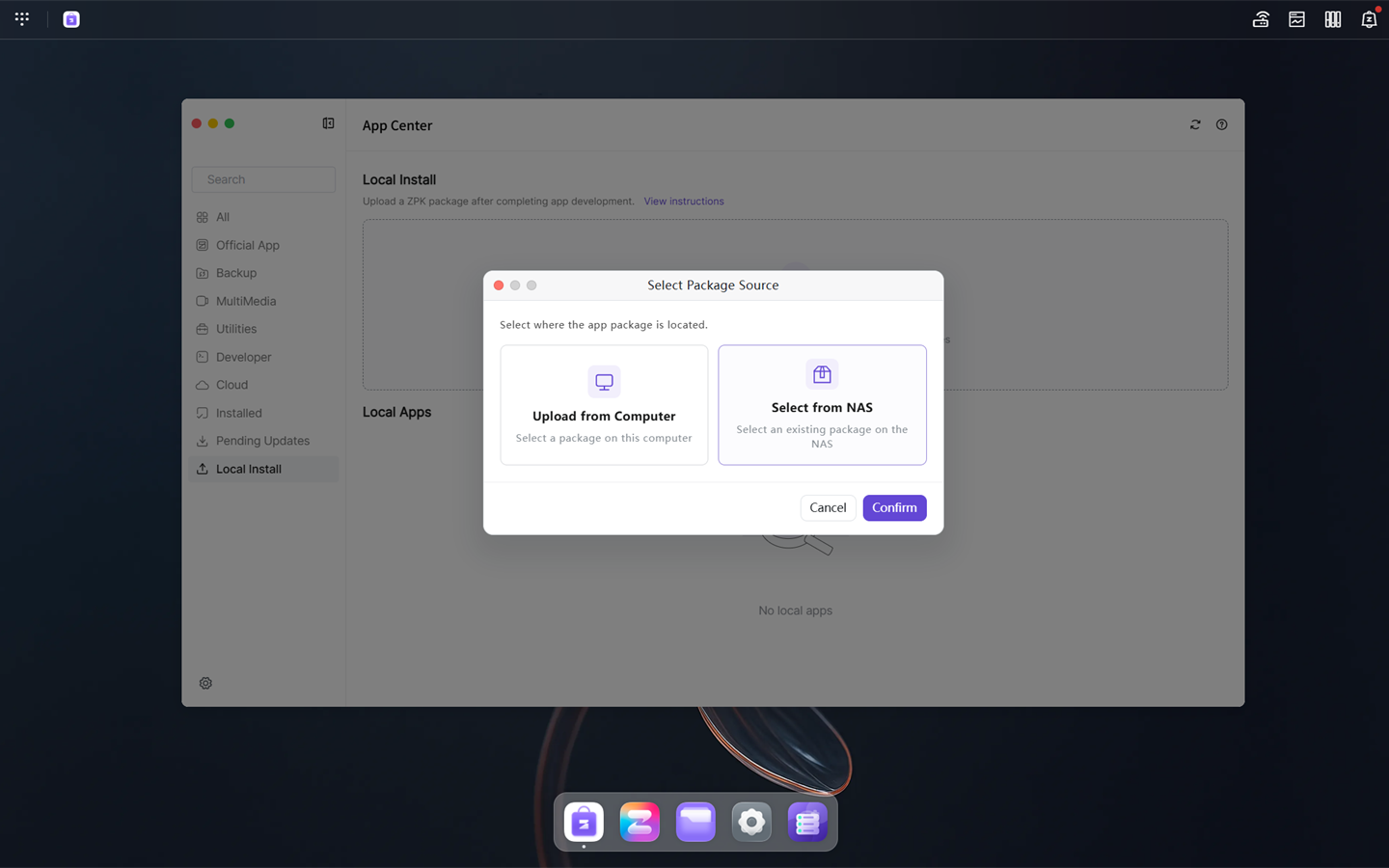
- To use a file on your computer, click [Upload from Computer], select the
.zpkfile, and then select a ZPK storage folder on the NAS. - To use a file on the NAS, click [Select from NAS] and select an existing
.zpkfile.
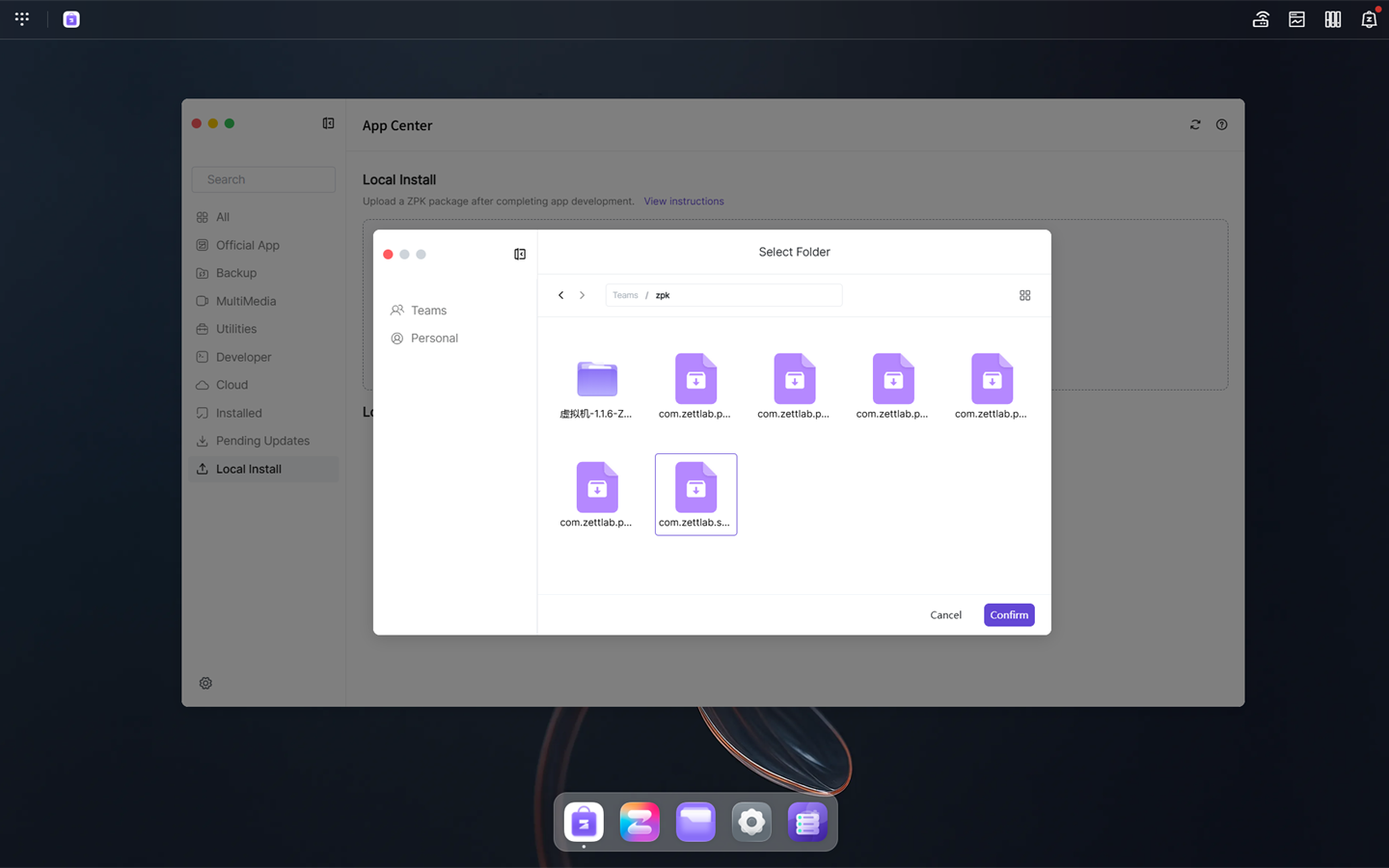
- Click [Confirm] and wait for the upload and package verification to finish.
- Check the app name, version, installation mode, publisher, trust status, app ID, and package name.
- Select a storage pool for a non-built-in app. When overwriting an installed app, the app's existing storage pool is used.
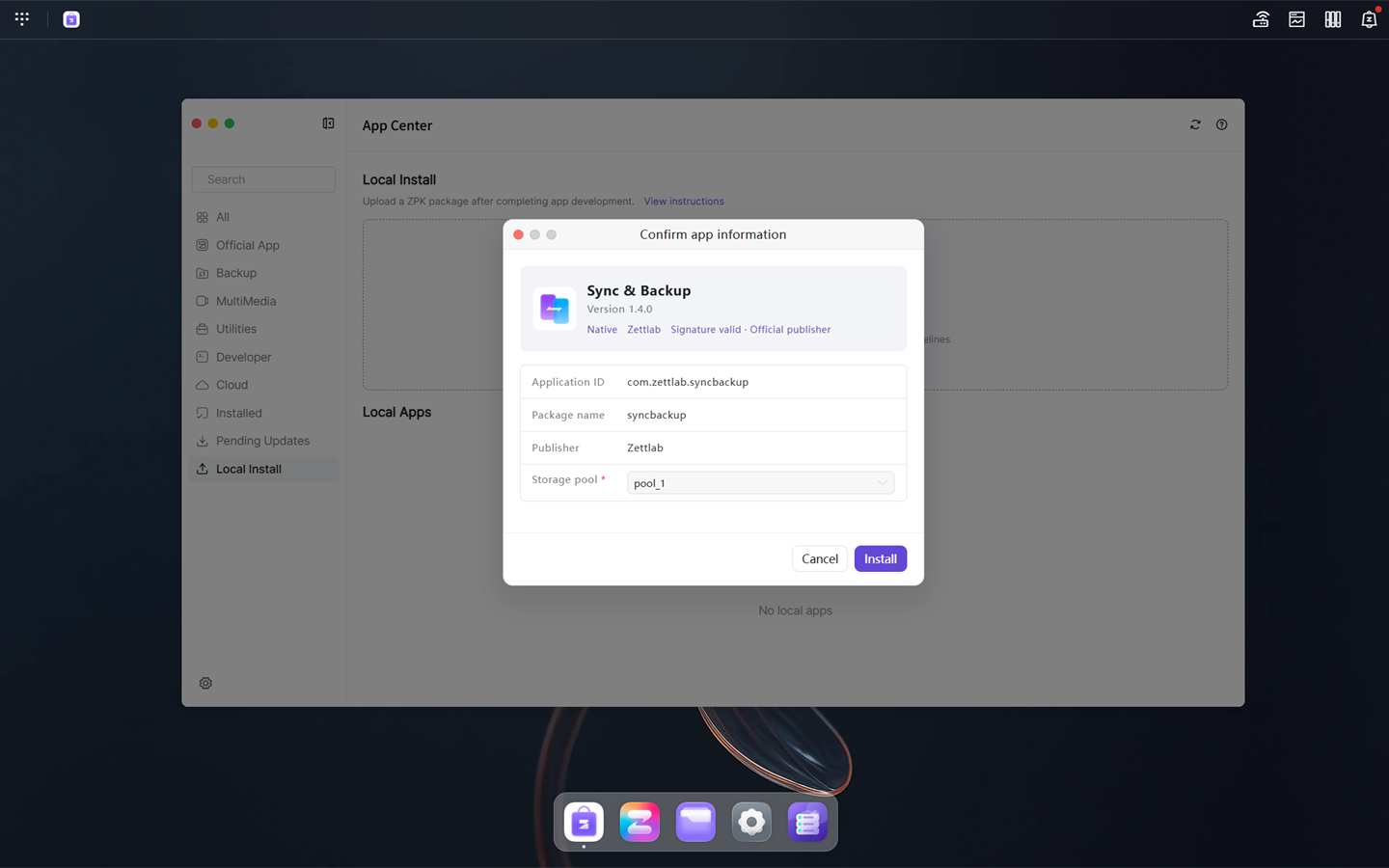
- Click [Install] and wait. Do not turn off the device or disconnect NAS power during installation.
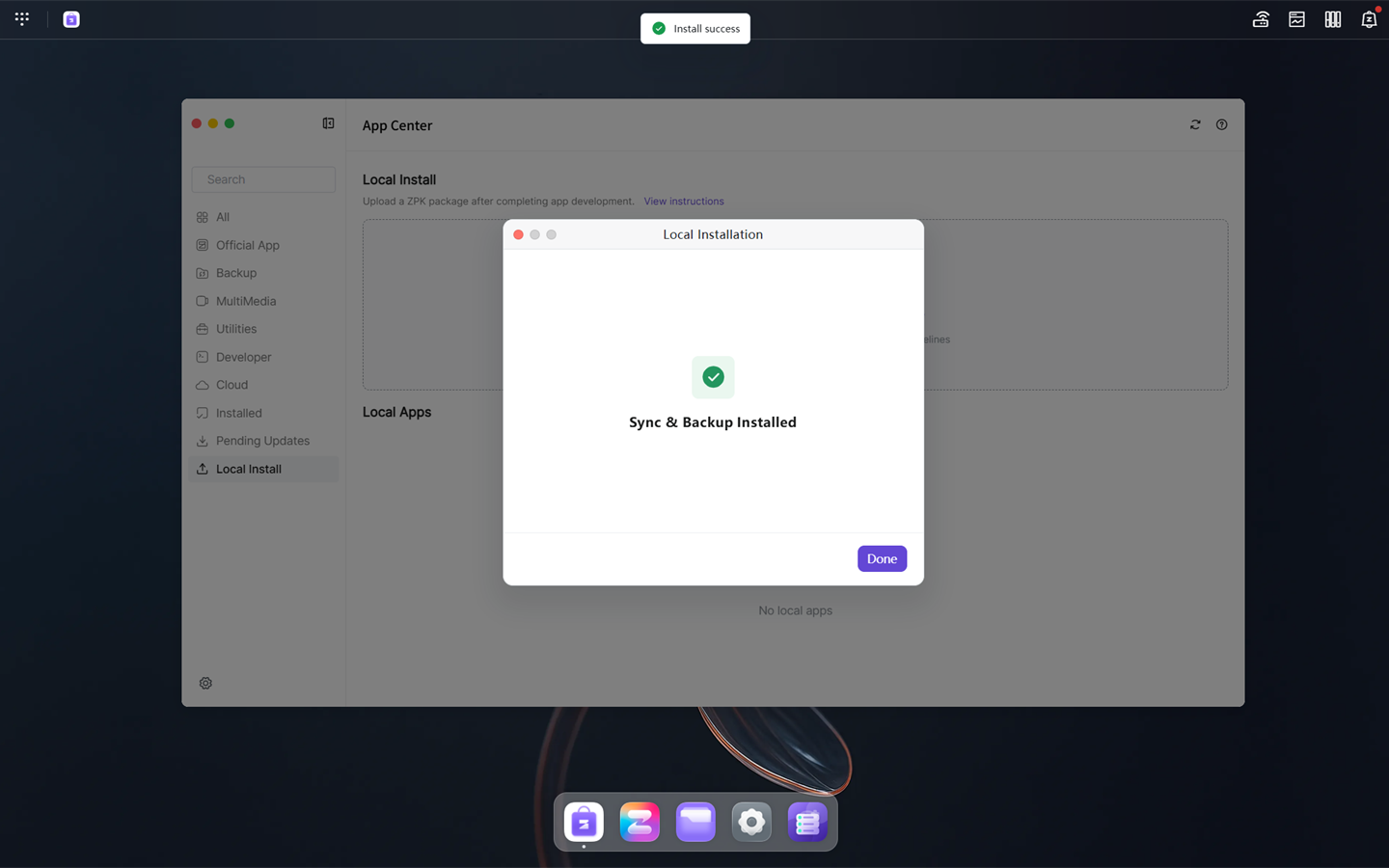
- After installation succeeds, click [Done].
Success Criteria
- The page reports that installation succeeded.
- The locally installed app appears in the app list and can be opened or managed.
FAQ
| Question | Resolution |
|---|---|
| Which files can I select? | Select one .zpk package that follows the development specification and passes verification. |
| Why must I select a storage folder when uploading from my computer? | The package is uploaded to the NAS first, so a writable NAS folder is required. |
| What happens if the same app is already installed? | After verification, you can overwrite it and keep its existing storage pool. Confirm version compatibility and back up important data first. |
| The publisher or trust status looks wrong | Verify the package source and publisher. Cancel the installation if you cannot confirm them. |
| Upload, verification, or installation fails | Check that the file is complete and uses the .zpk format, and check folder permissions, storage pool health, and free space before trying again. |
