The Contact Us page provides official support channels. If you cannot resolve an issue yourself, contact support through the Discord community or support email.
Before You Start
- Prepare the device model, system version, issue time, and issue description.
- If the issue can be reproduced, organize the reproduction steps first.
- If support asks for logs, download or upload logs first.
Steps
- Open the Contact Us page in Support:
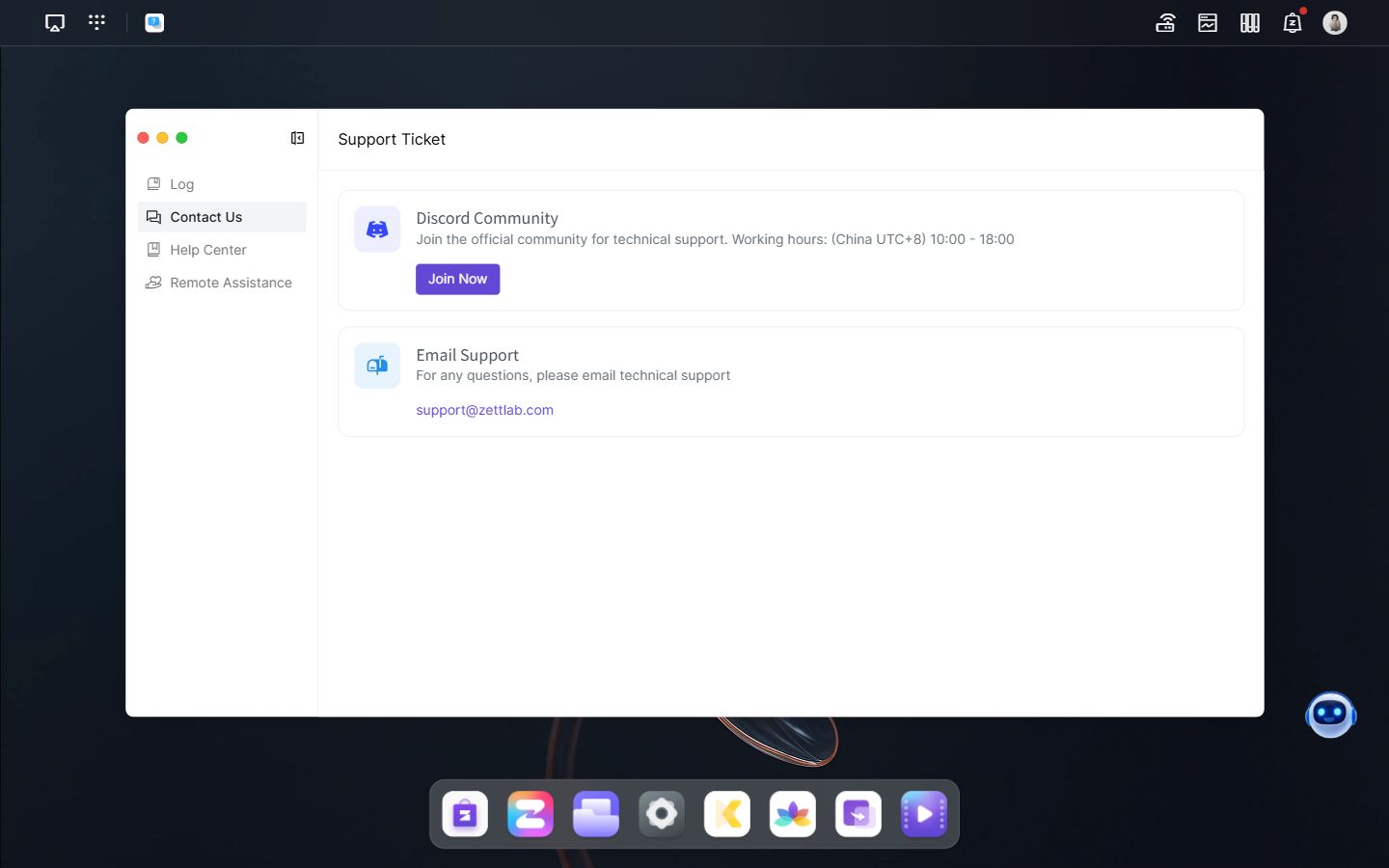
- Join the Discord community as needed, or copy the support email support@zettlab.com.
- If you have questions, email support@zettlab.com and describe the issue, affected feature, reproduction steps, and actions already tried.
- Attach screenshots, screen recordings, log files, or log upload time when needed.
FAQ
| Question | Handling or suggestion |
|---|---|
| What contact methods are available? | The page provides the Discord community entry and support@zettlab.com email. |
| What should I include in the email? | Include device model, system version, issue symptoms, reproduction steps, occurrence time, and contact information. |
| Do I need to upload logs first? | If support asks for logs, handle them on the Upload and Download Logs page first, then provide the upload time or log file. |
| What should I prepare before contacting support? | Prepare the device model, system version, issue symptoms, reproduction steps, occurrence time, and your contact information. |
| What if I do not receive a timely response? | Check the spam folder first. If necessary, contact support again through an official channel and include the time and subject of the previous message. |
