A project orchestrates and manages multiple containers as a single unit via Docker Compose. Each project maps to a docker-compose.yml file. Projects fall into two types: standard (manually created) and app projects (installed from App Center).
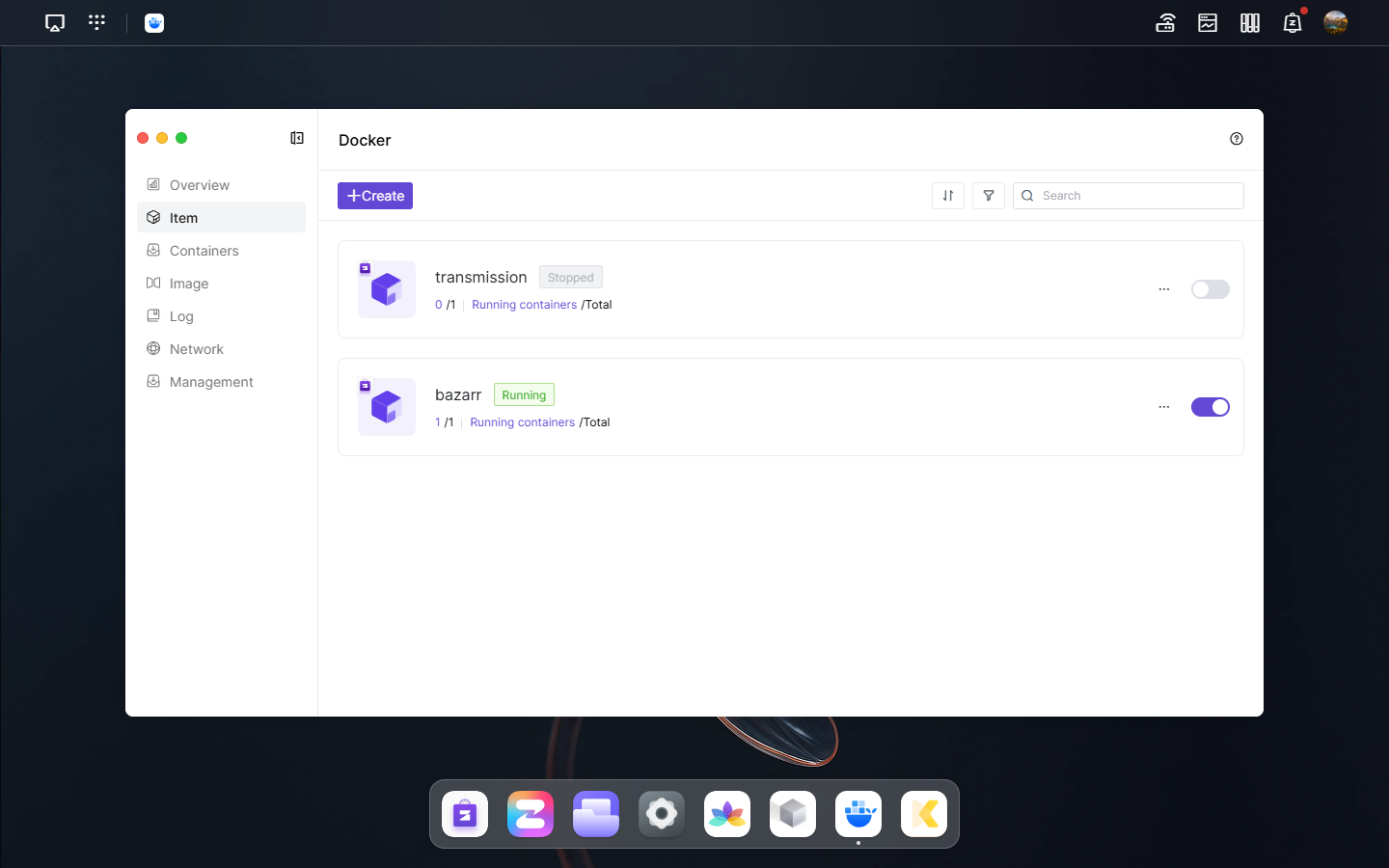
> ⚠️ Projects installed from the App Center should be managed from the "App Center" itself.
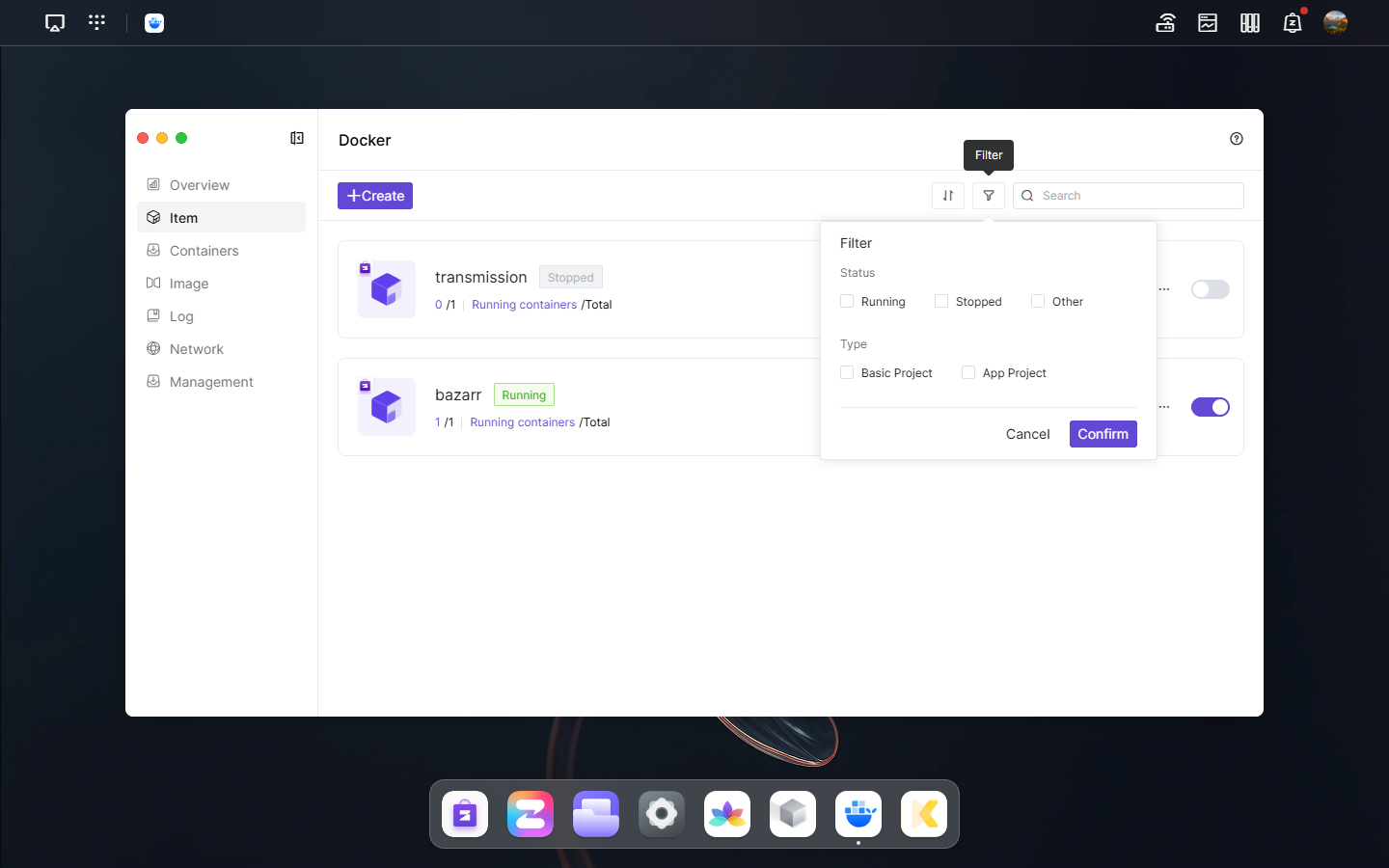
Filter projects
Click the ⏷ Filter icon at the top right to filter by Status (Running / Stopped) and Type (Standard Container / App Container). The type filter is the fastest way to separate user-created projects from App Center projects.
Create a project
Click + Create, fill in the project name and save path, paste the docker-compose.yml content into the editor (or click Import to upload a yaml/yml file), then click Deploy.
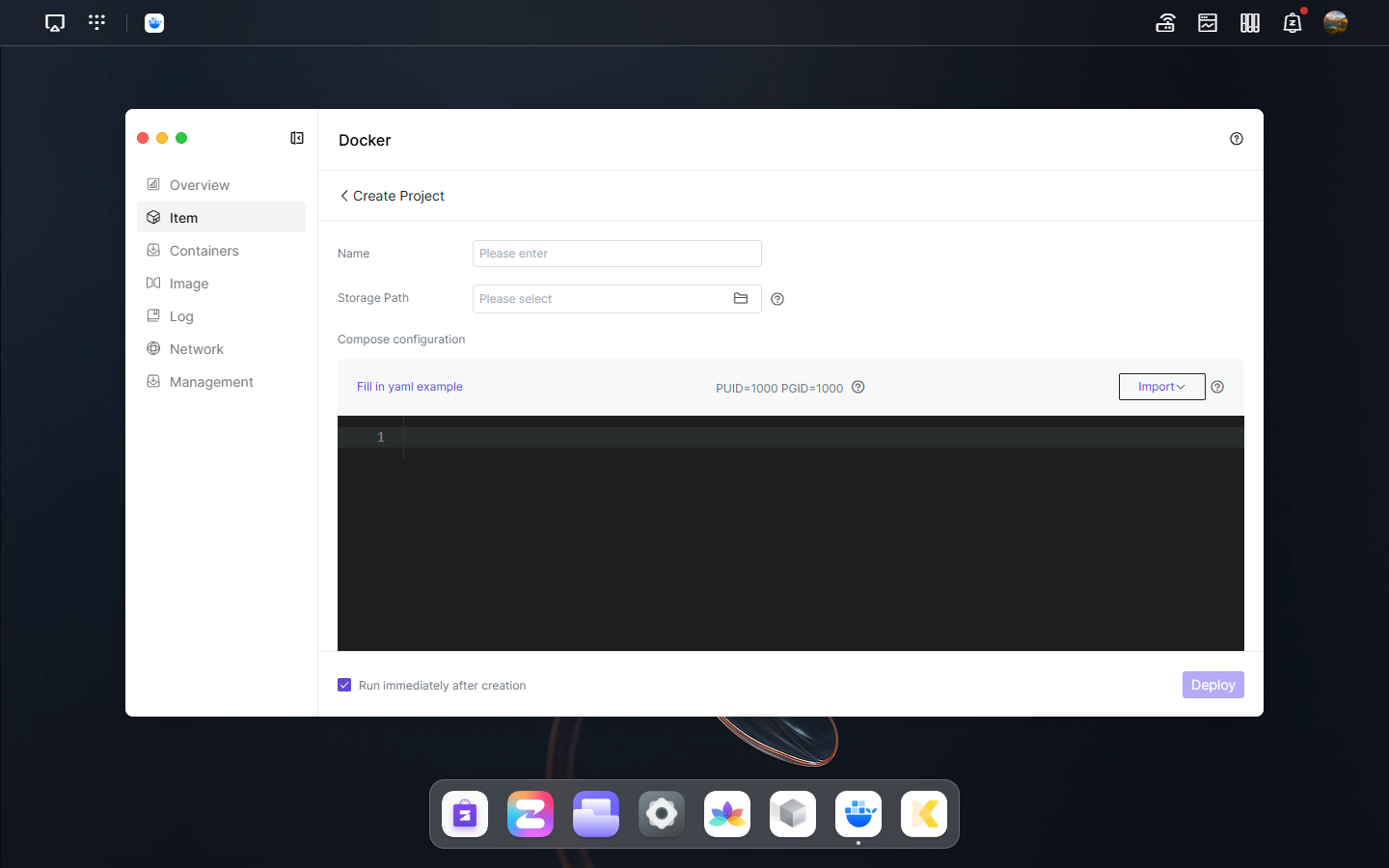
> ℹ️ PUID / PGID suggestion > **Set the current user's UID/GID in the environment section of your yaml (e.g. PUID=1000 / PGID=1000) to avoid permission issues inside the container.
Project details
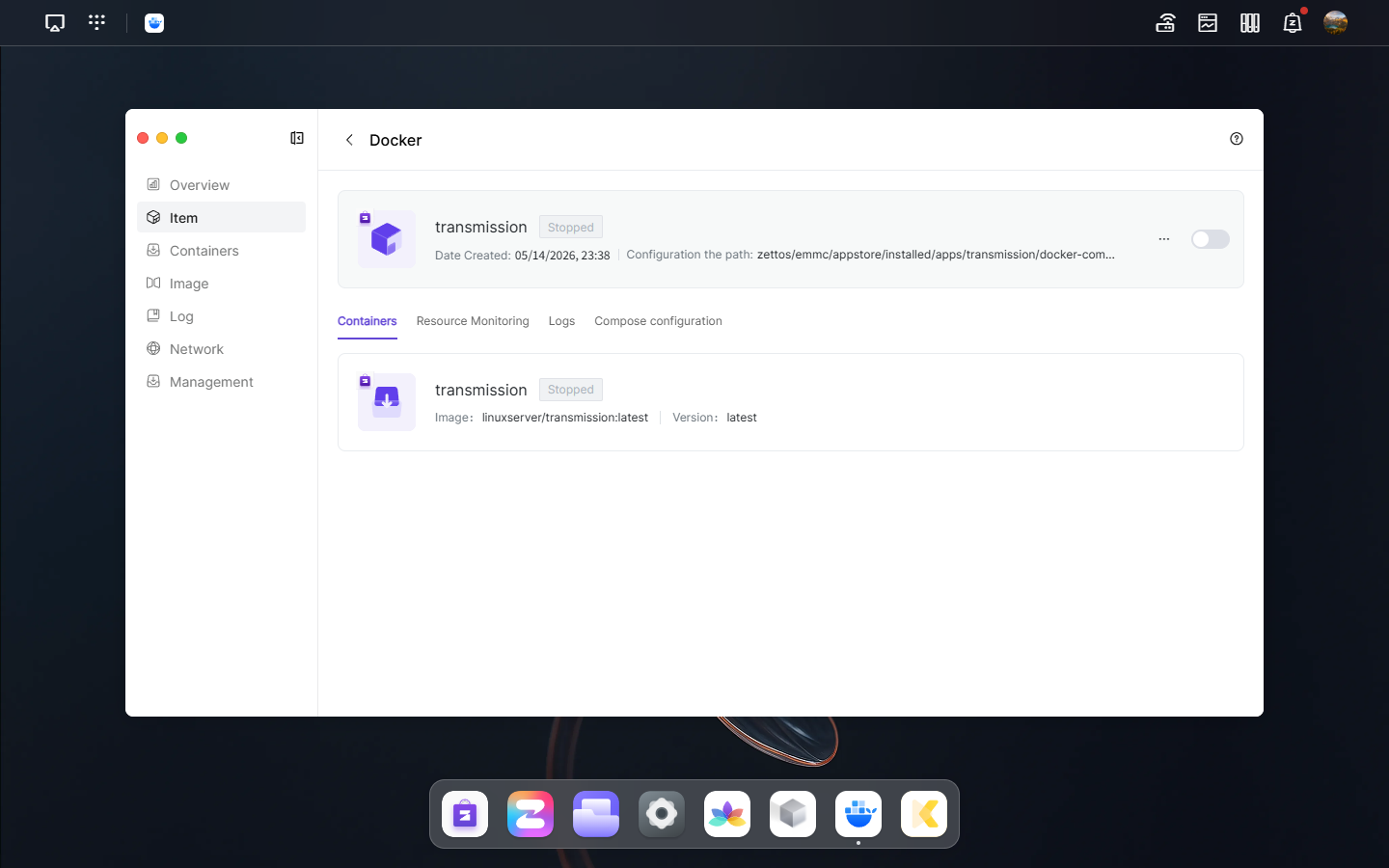
Clicking a project opens its detail page with four tabs: Containers, Resource Monitoring, Logs, and Compose Configuration.
FAQ
| Question | Handling or suggestion |
|---|---|
| What's the difference between "Projects" and "Containers" | A project is a group of containers orchestrated by Docker Compose (yaml). A container is a single, standalone unit. One project may contain several containers. |
