View and manage Docker networks. Two built-in networks host and bridge are present by default; you can add custom networks for containers to use.
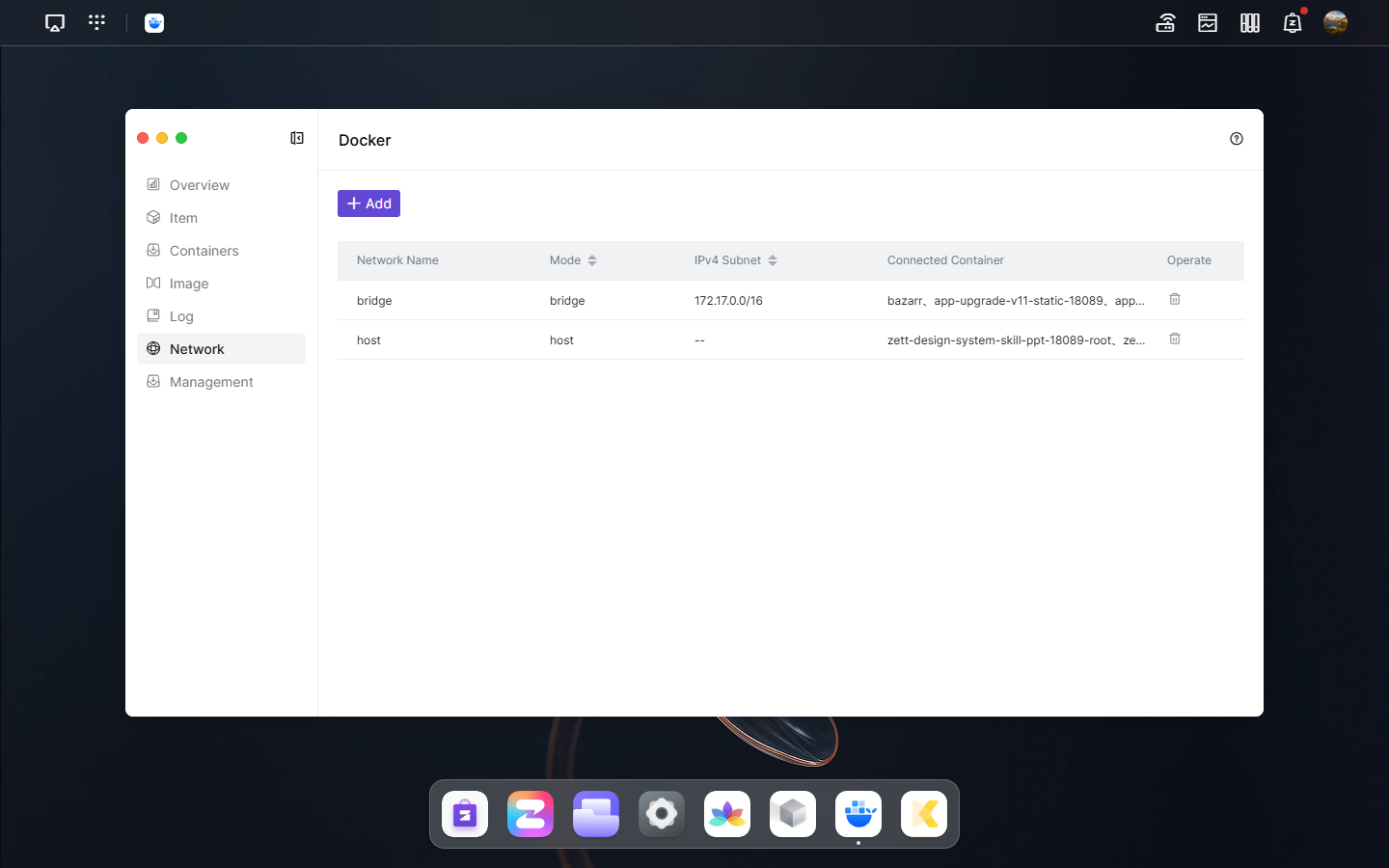
Add a custom network
Click + Add, enter the network name, pick a host network card, and configure IPv4 — either auto-assign or specify the subnet/gateway manually.
> ℹ️ Macvlan prerequisite > **To use Macvlan, first configure "Network Bridging" under *Control Panel > Network Settings > Network Connections* on the NAS — otherwise the container cannot obtain an IP.
