Select an app, install it to a specified storage pool, and open it after installation.
Before You Start
- An available storage pool exists. If not, complete initial setup first.
- The target storage pool has enough free space.
- Sign in with an administrator account.
Steps
- In App Center, find the target app and click [Install] on the card, or open the details page and click [Install].
- In the "Choose Install Location" dialog, select where third-party app data will be stored:
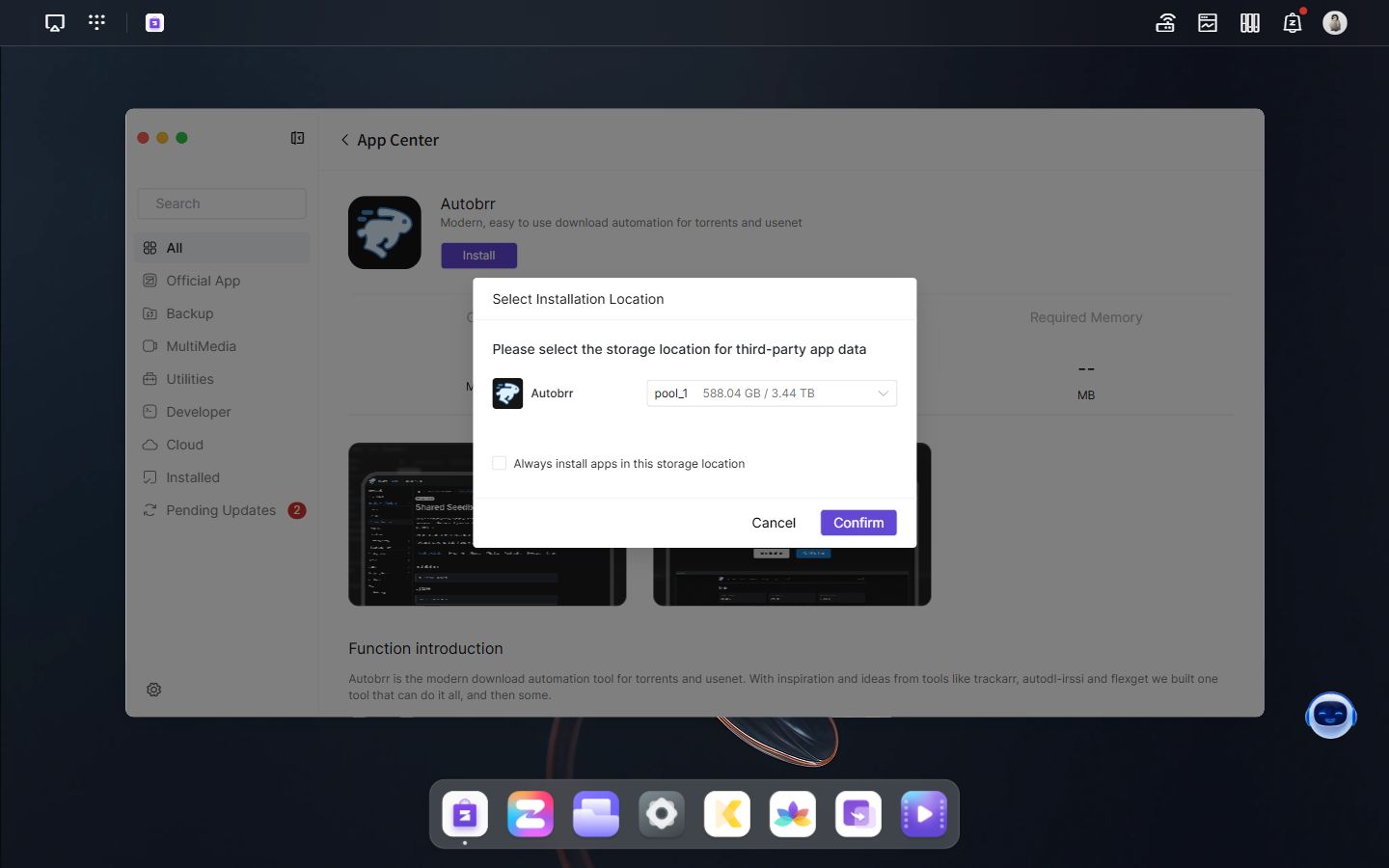
- If you want future installations to use the same storage pool, select [Always install apps in this storage location]. Otherwise, keep asking each time.
- Click [Confirm] and wait for installation to finish:
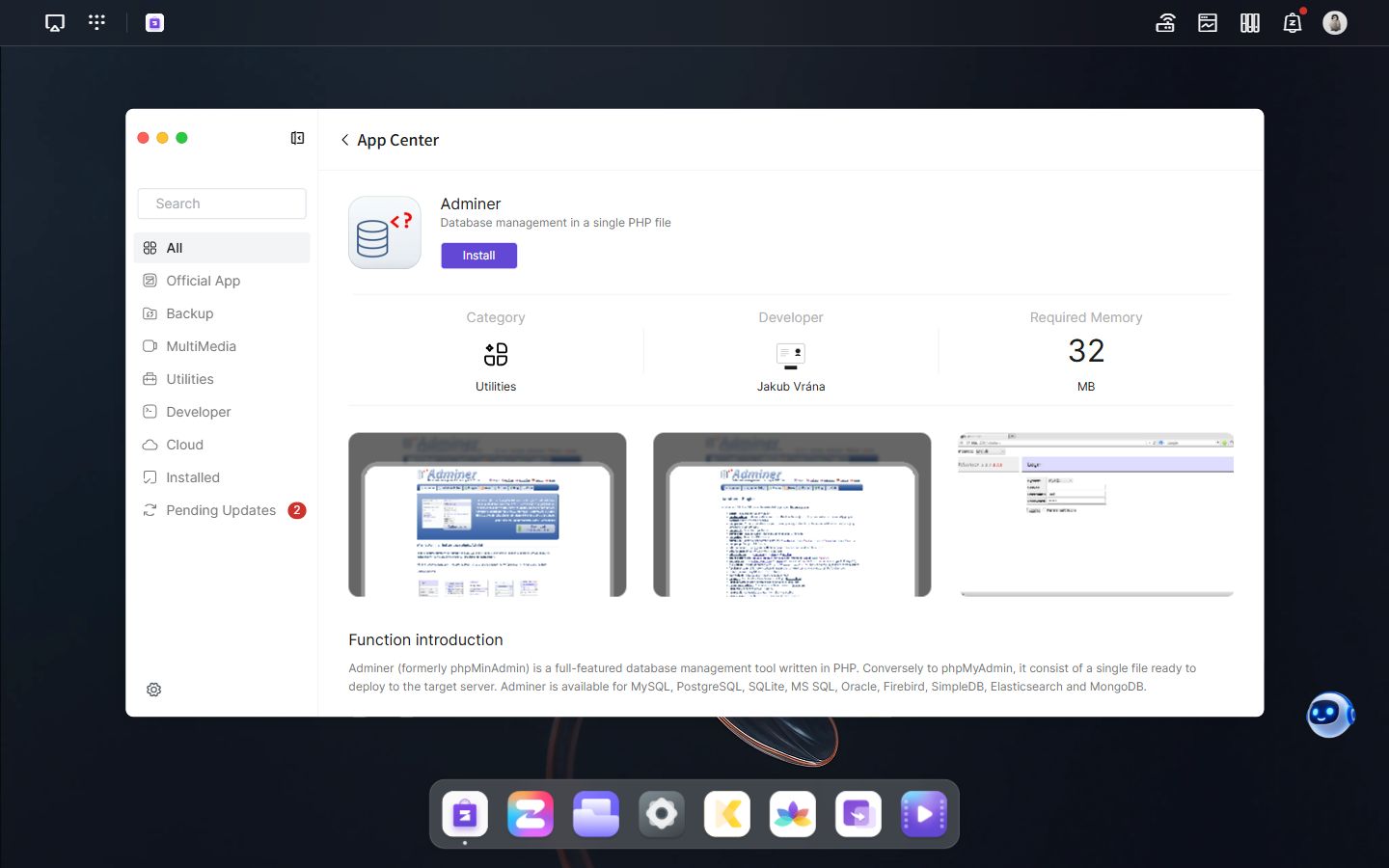
- After installation, click [Open] on the app details page, or open the app from the desktop or app list.
Success Criteria
- The app status changes to installed or openable.
- The app icon appears on the desktop or in the app list.
FAQ
| Question | Handling or suggestion |
|---|---|
| Why choose a storage pool? | Third-party app data needs a storage location. If the storage pool is abnormal or lacks space, installation cannot continue. Check initial setup. |
| Why does Docker appear in the prompt? | Some third-party apps depend on Docker and require Docker to be installed or configured first. |
| Installation failed | Check the network, free space in the storage pool, Docker status, and app package download status. |
| Why did app installation fail? | The network may be abnormal, the storage pool may lack space, Docker may be unavailable, or the app package download may have failed. Check the network and storage pool. If no available storage pool exists, complete initial setup. For Docker-related apps, confirm that Docker is available. |
| Why does an app need Docker? | Some third-party apps run through Docker. Follow the page prompt to install or configure Docker. |
| Can I use a local installation package? | Yes. Open Local Install and select one ZPK package that follows the development specification and passes verification. |
| Why choose a storage location before installation? | Third-party app data must be saved to a specified storage pool. If you keep ?ask every time?, you will choose again for each installation. |
